Find a Campaign
Find a Campaign (First Time)
Find a Campaign (First Time)
Login to Nexus
Ensure that you are logged into your account by visiting app.mynexus.io and using your account credentials.
2
Click "Find a Campaign"
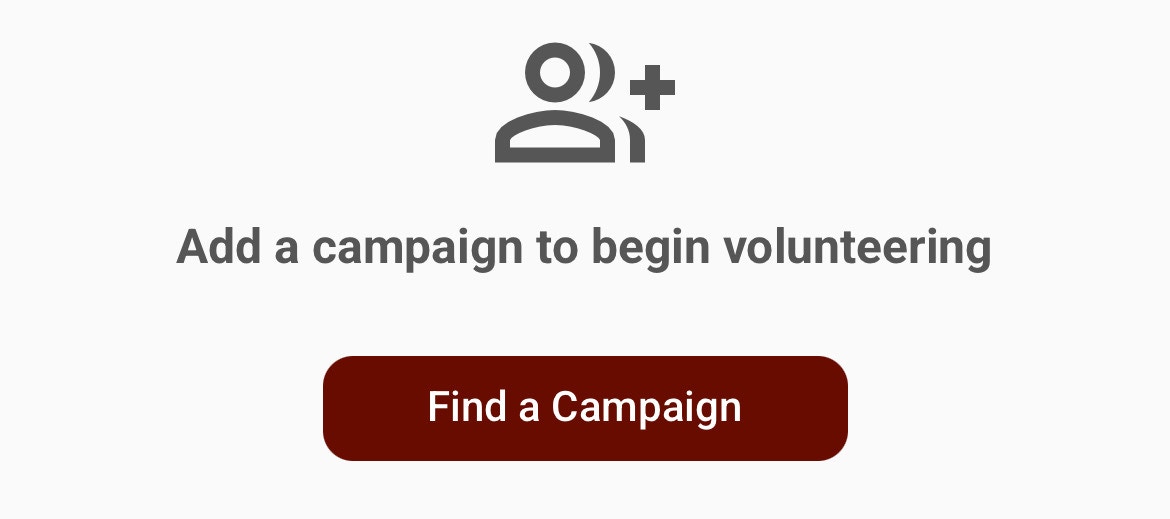
If you do not see the “Find a Campaign” option, it may mean you are already added to a campaign. Please see the section below titled “Find a Campaign (Multiple)”
3
Input Organization Code
Each campaign is assigned a 4-digit code that they can provide to volunteers. Once the code is inputted, the system will automatically check for a campaign that matches.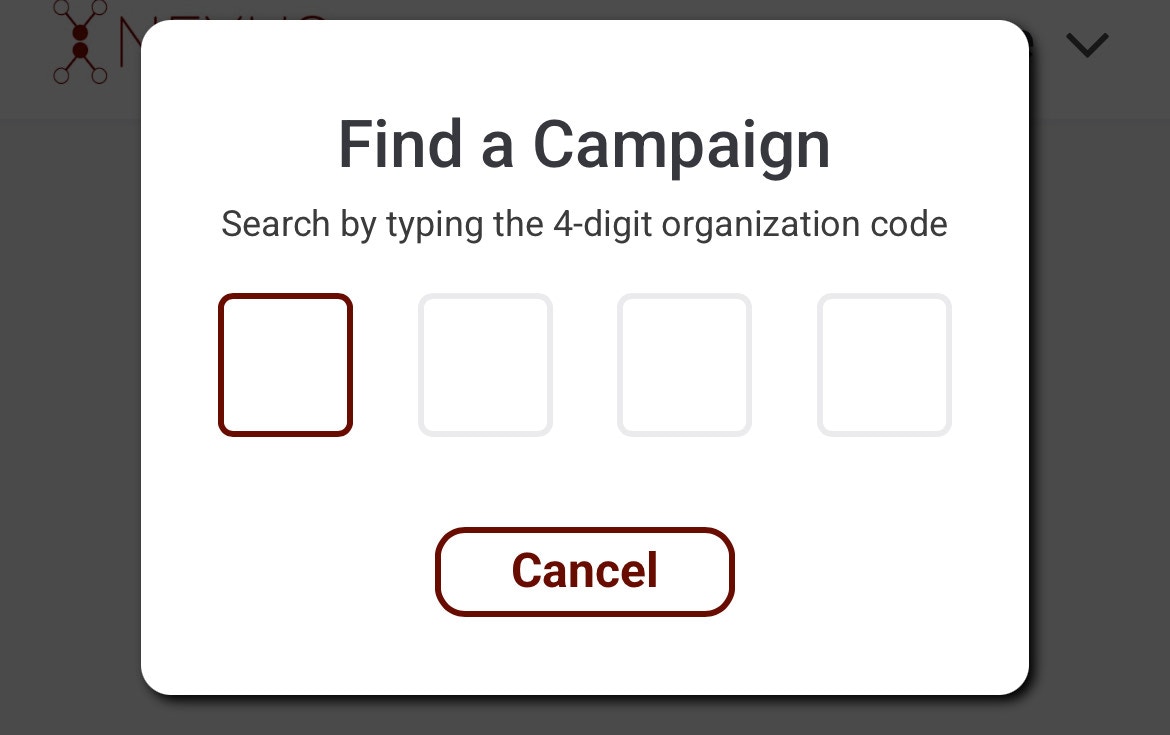
4
Click "Confirm"
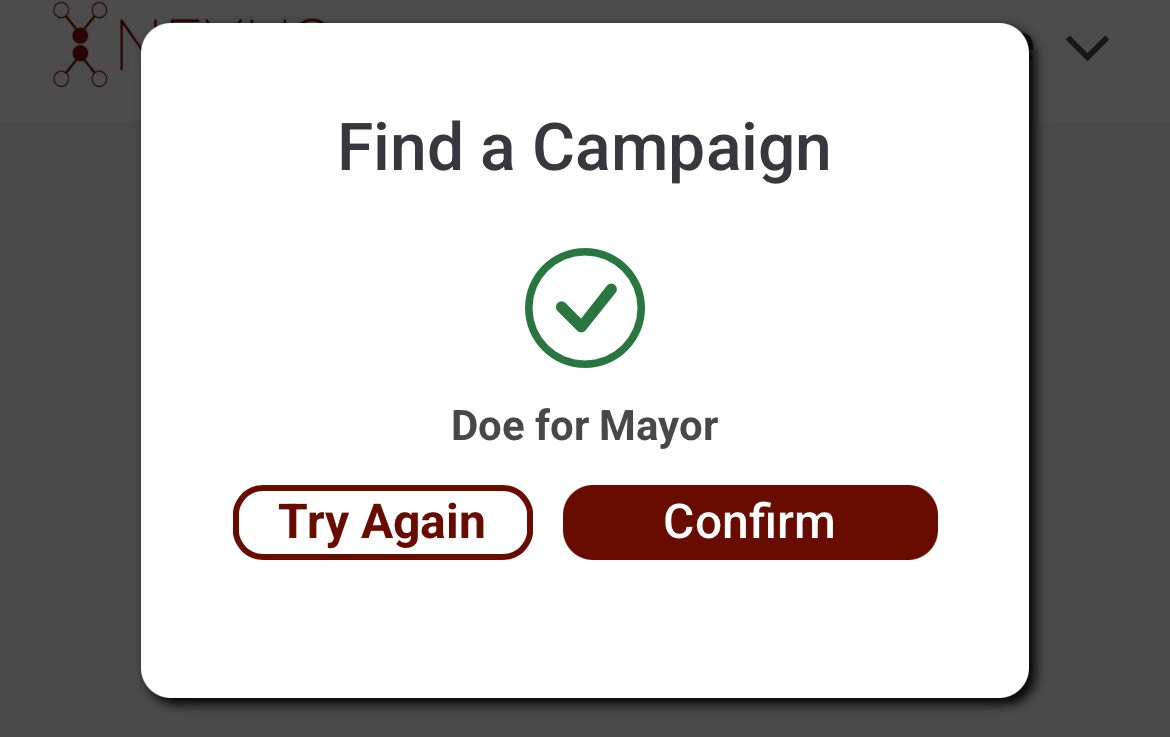
If a campaign is found with that code, you will be shown a green checkmark with the campaign name. To finish adding yourself to the campaign, simply click “Confirm”.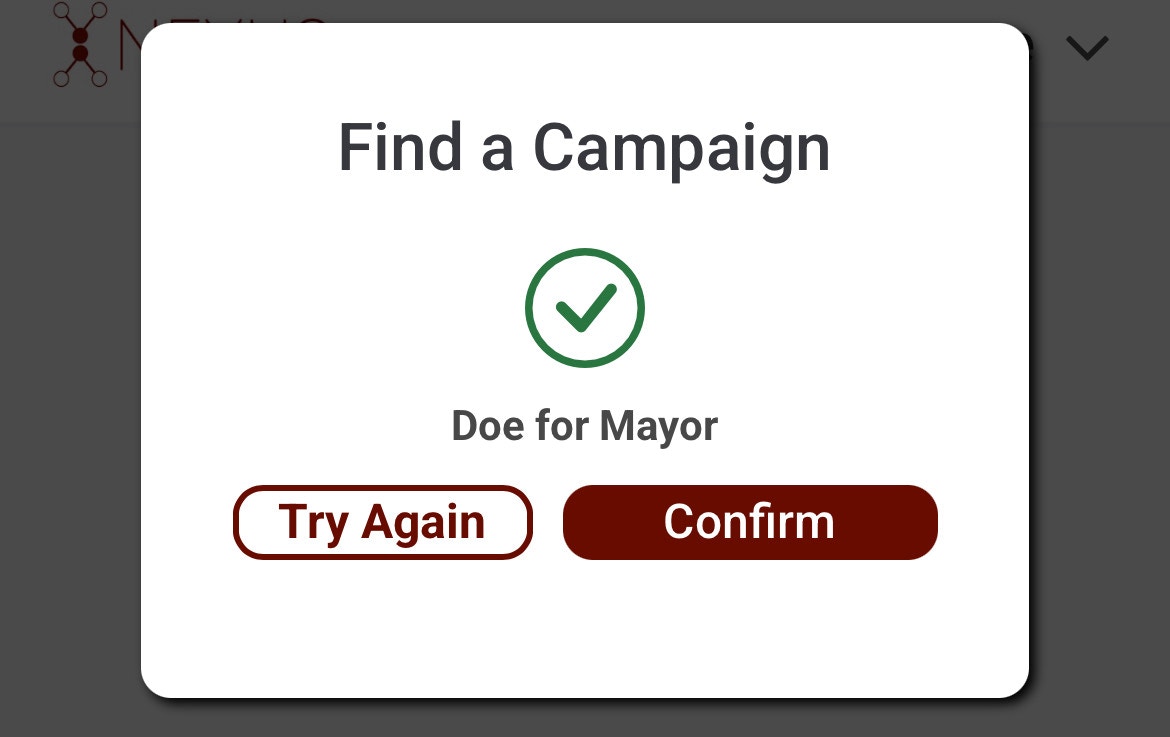
Find a Campaign (Multiple)
Find a Campaign (Multiple)
Login to Nexus
Ensure that you are logged into your account by visiting app.mynexus.io and using your account credentials.
2
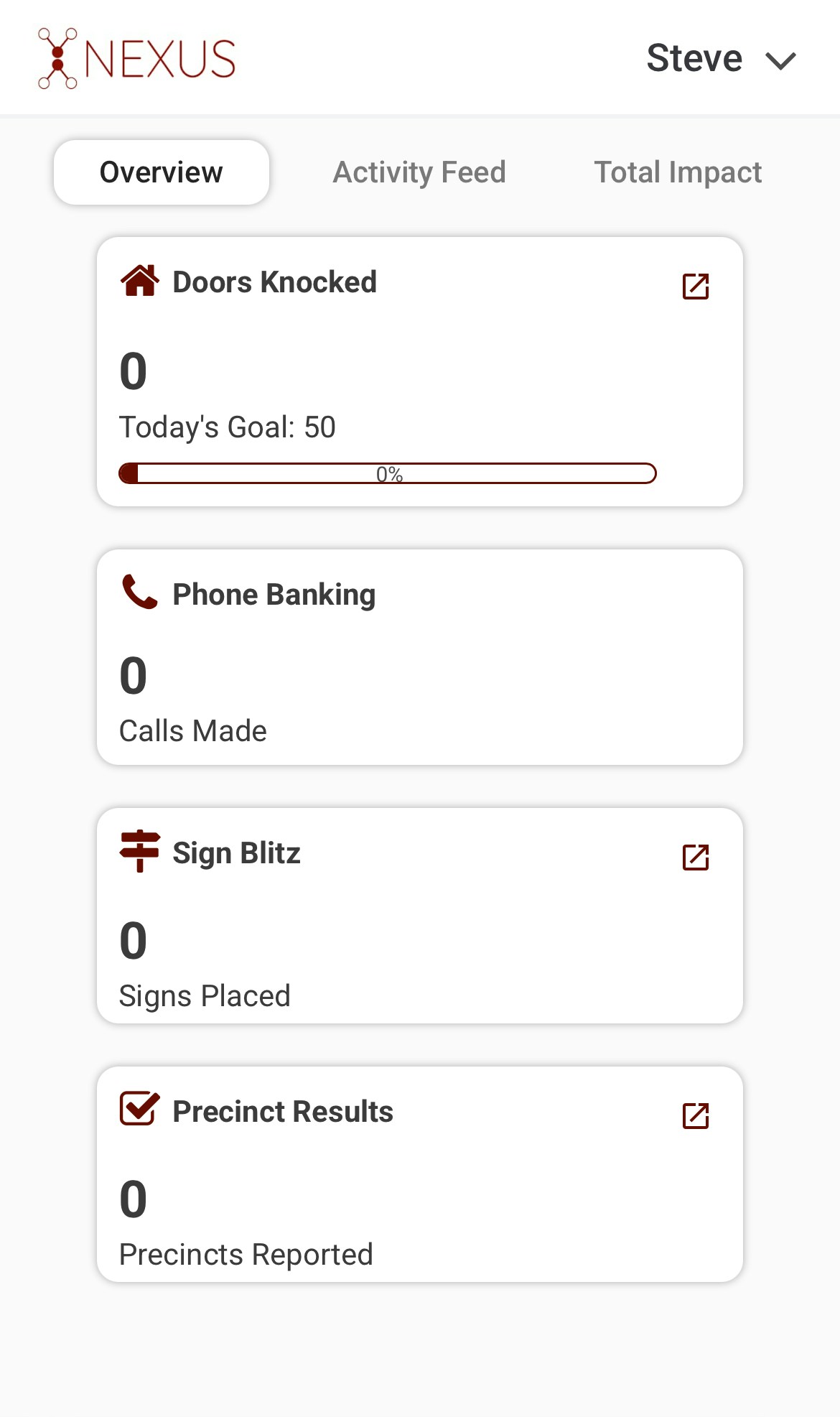
Click on Arrow in Top Right Corner
3
Click "Settings"
After clicking the arrow next, you will notice a dropdown menu appear. Simply click “Settings”.
4
Navigate to the "Organization" Tab
There will be tabs listed near the top of the popup. Locate the “Organization” tab and click on it.
5
Click the Plus Button
You will see an icon with a plus button next to the header. Click that to prompt the organization code input.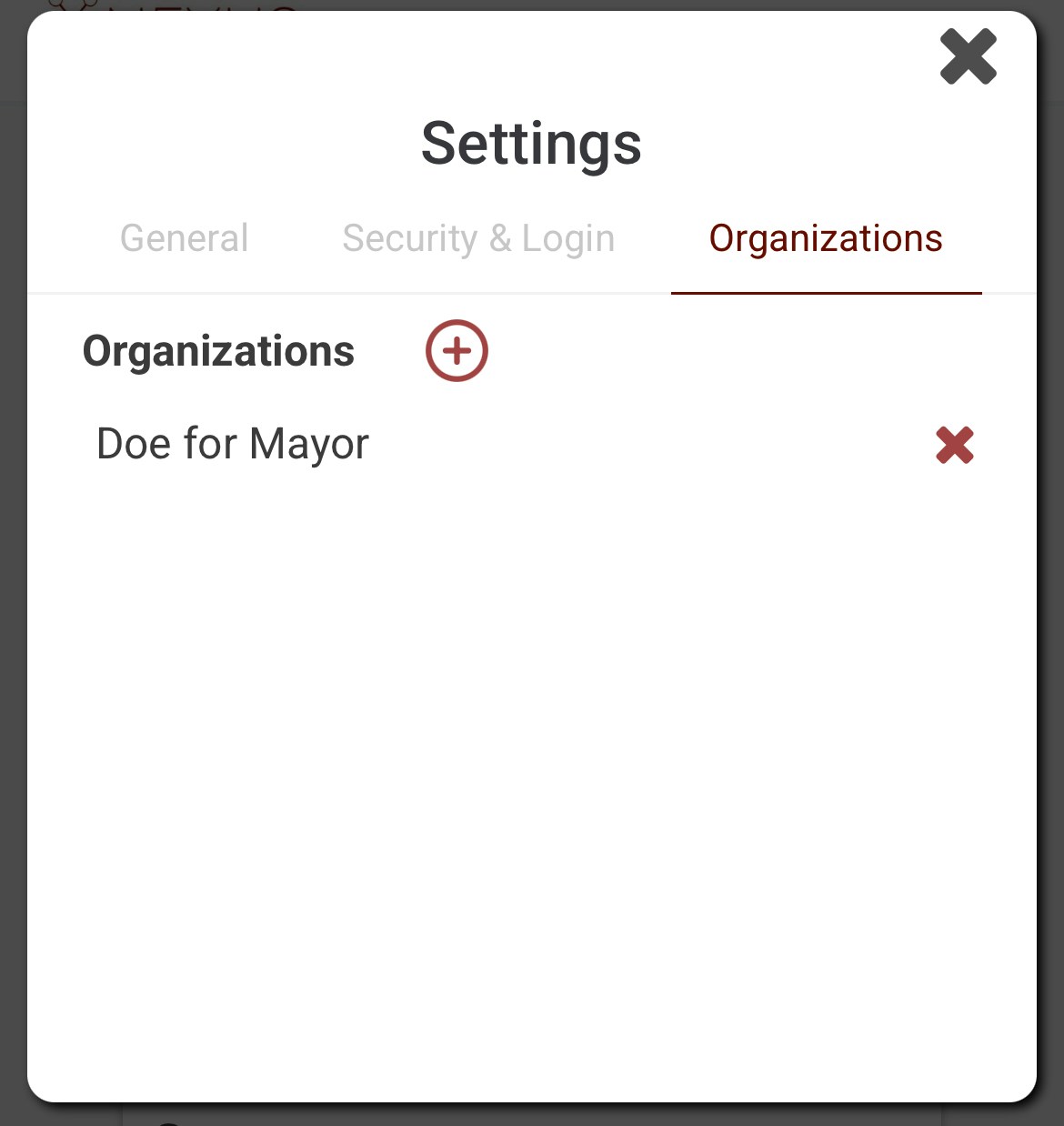
6
Input Organization Code
Each campaign is assigned a 4-digit code that they can provide to volunteers. Once the code is inputted, the system will automatically check for a campaign that matches.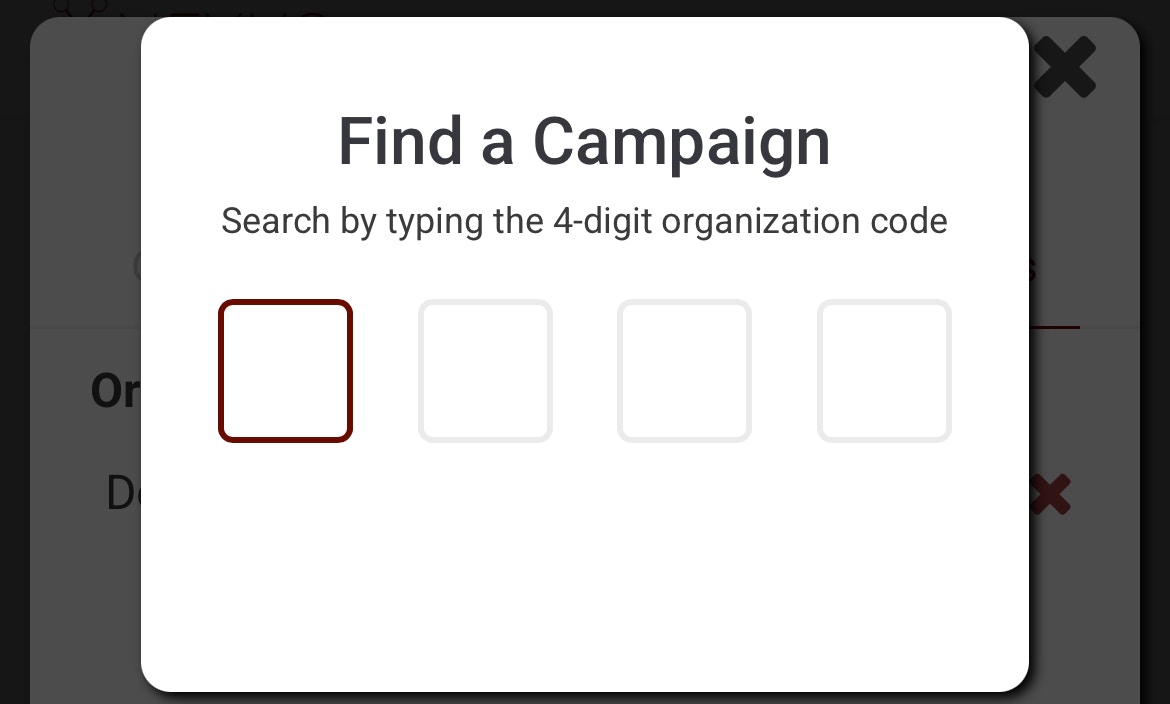
7
Click "Confirm"
If a campaign is found with that code, you will be shown a green checkmark with the campaign name. To finish adding yourself to the campaign, simply click “Confirm”.