

Account Creation
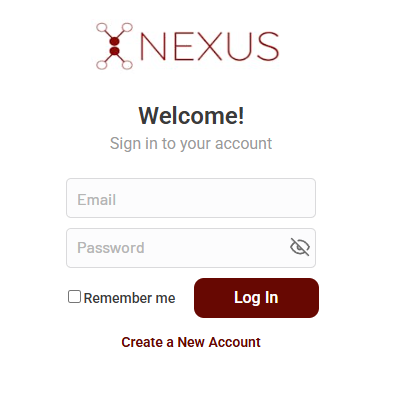
Go to Nexus
Visit the Nexus homepage by going to app.mynexus.io in your browser of choice (web or mobile)
2
Click "Create a New Account"
3
Input Account Information
To create your account, you will need to provide your first name, last name, email, and a password.
4
Click "Sign Up"
The last step to creating your account is clicking the Sign Up button. You will be redirected to your dashboard.