

Finding Walk Surveys
Go to Volunteer Dashboard
The Volunteer Dashboard is the home page for campaign volunteers and is the default page when logging in. Below is a screenshot of the dashboard.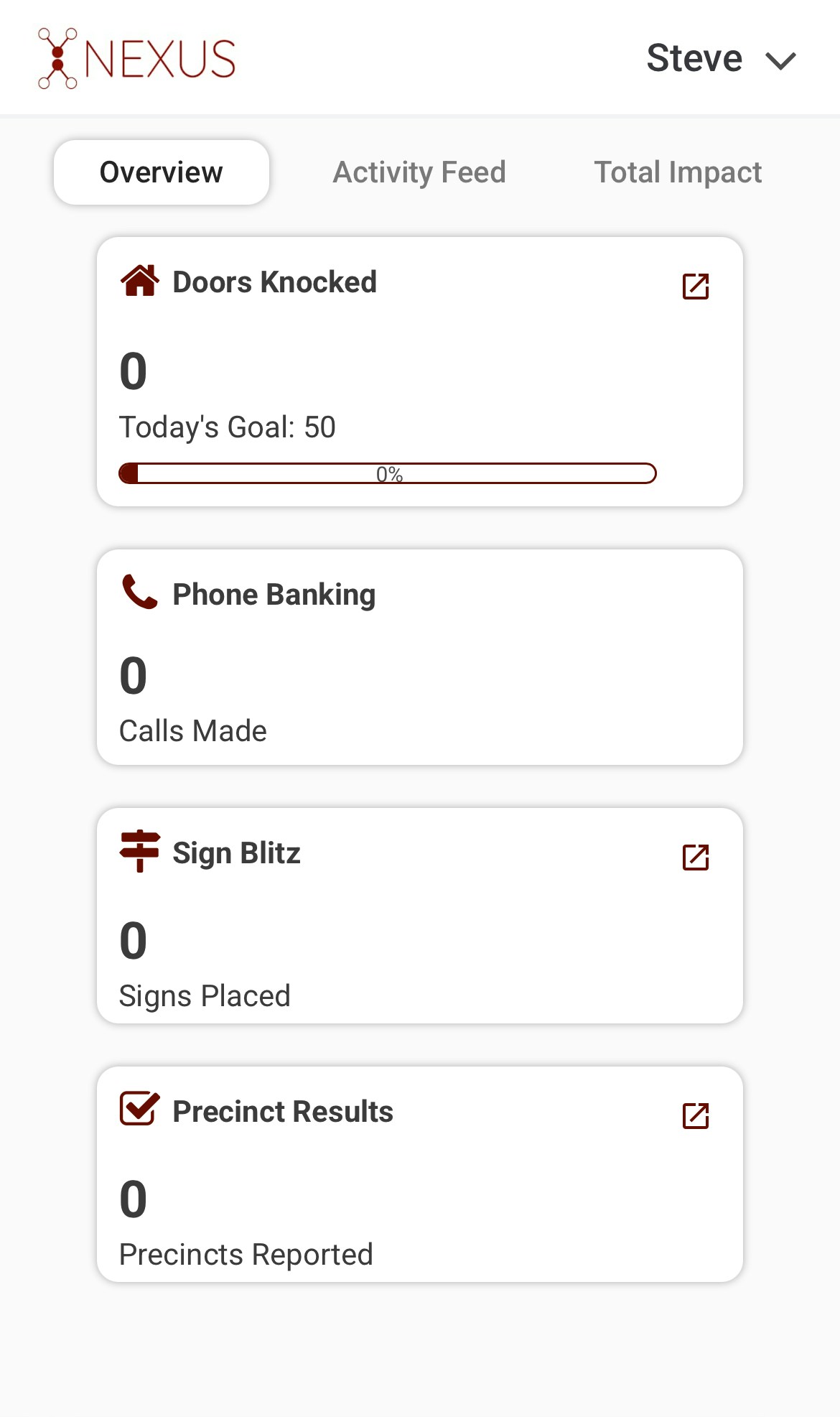
2
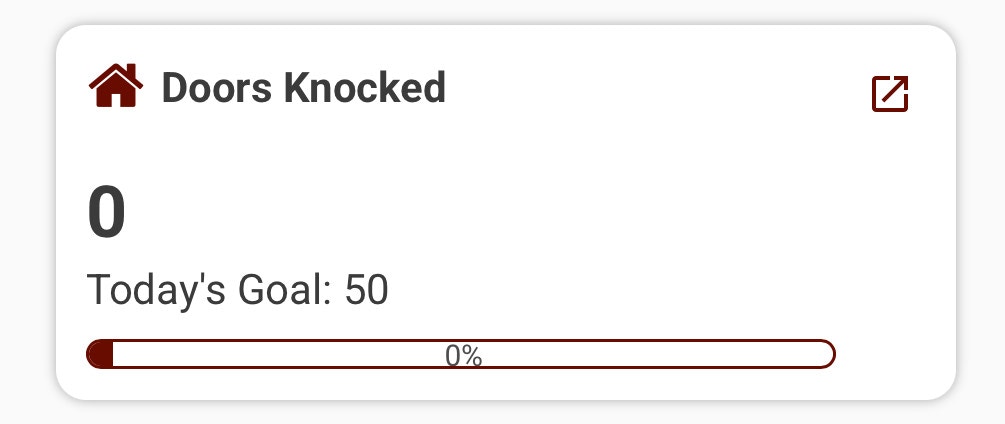
Find the "Doors Knocked" Module
3
Click the Red Navigation Icon in the Top Right
You will see a red icon that looks like an arrow coming out of a square in the top right of the Doors Knocked module.